 DriveDeck
Navigation
Apple Maps with live traffic, search, spoken turn-by-turn guidance and rerouting. Home, work and recent places a tap away.
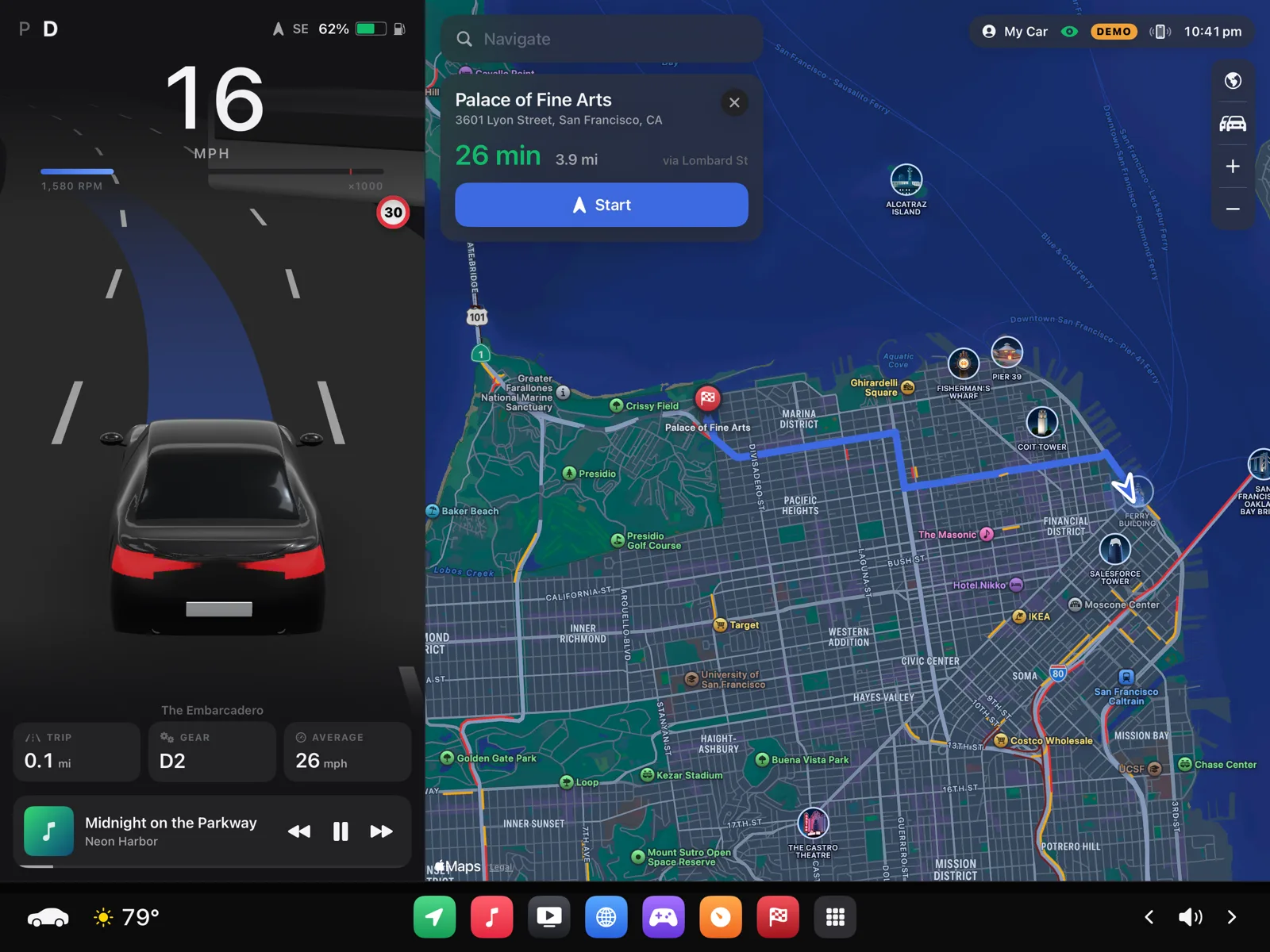
DriveDeck turns an iPad into a calm, glanceable dashboard: your car in 3D, Apple Maps navigation, music and gauges.
A chase camera follows your car over the real road, with the street's lanes and speed limit from the map. It leans into bends, signals and changes lanes with you. The screen follows sunset by itself.
Apple Maps with live traffic, search, spoken turn-by-turn guidance and rerouting. Home, work and recent places a tap away.
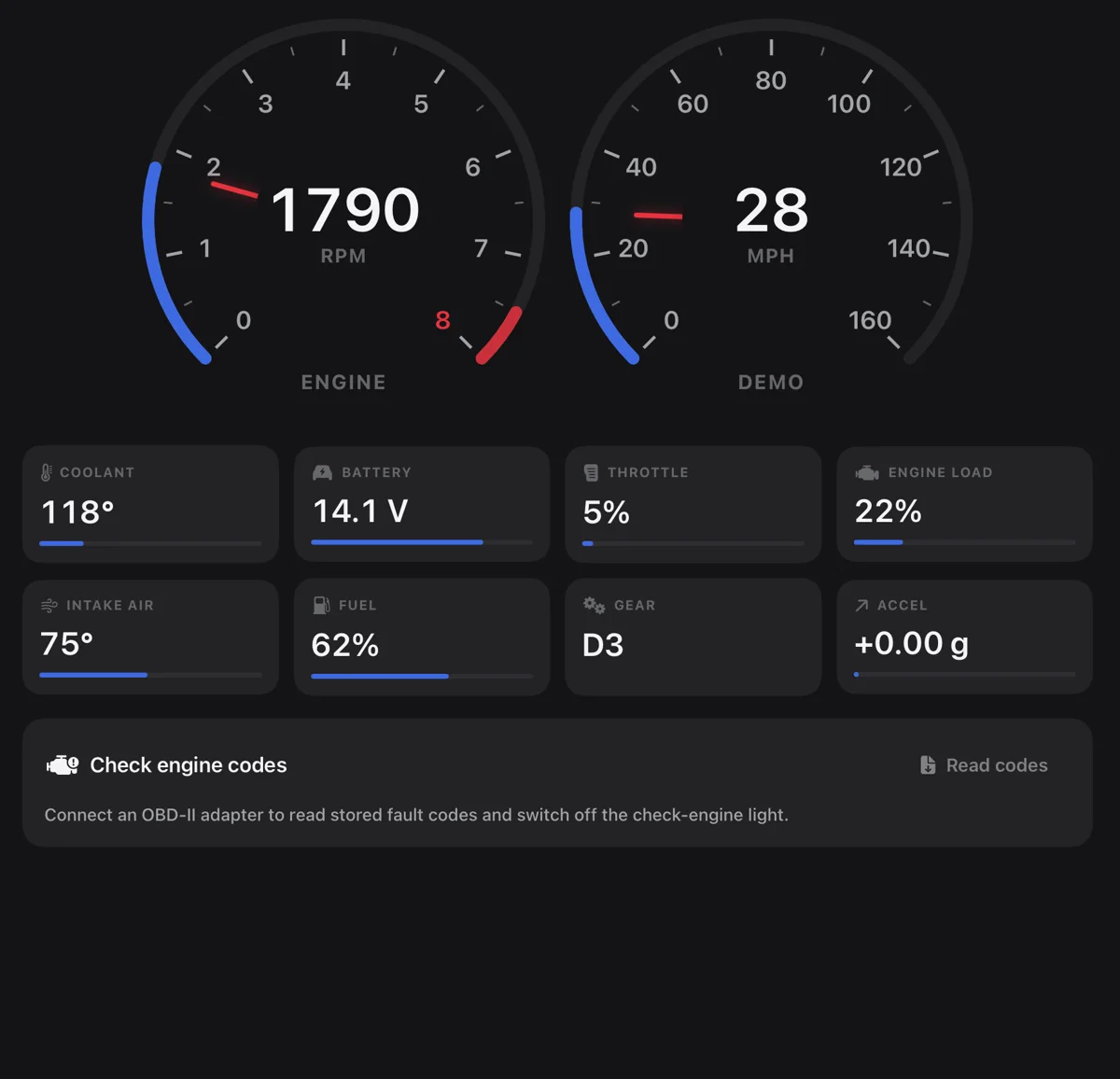
Engine speed, coolant, battery and fault codes from a Bluetooth OBD-II adapter.
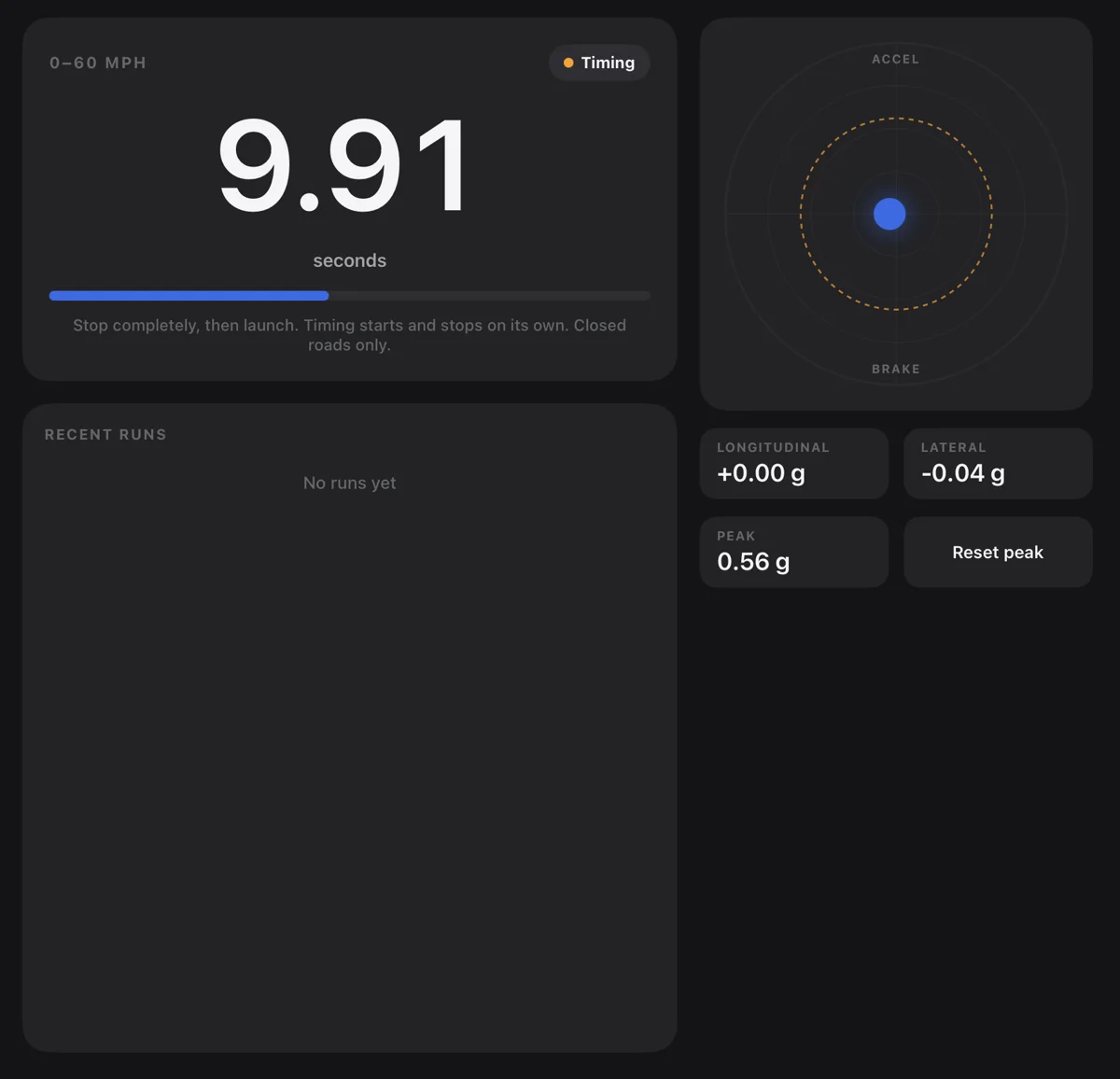
A 0-60 mph timer that starts and stops by itself, and a G-meter.
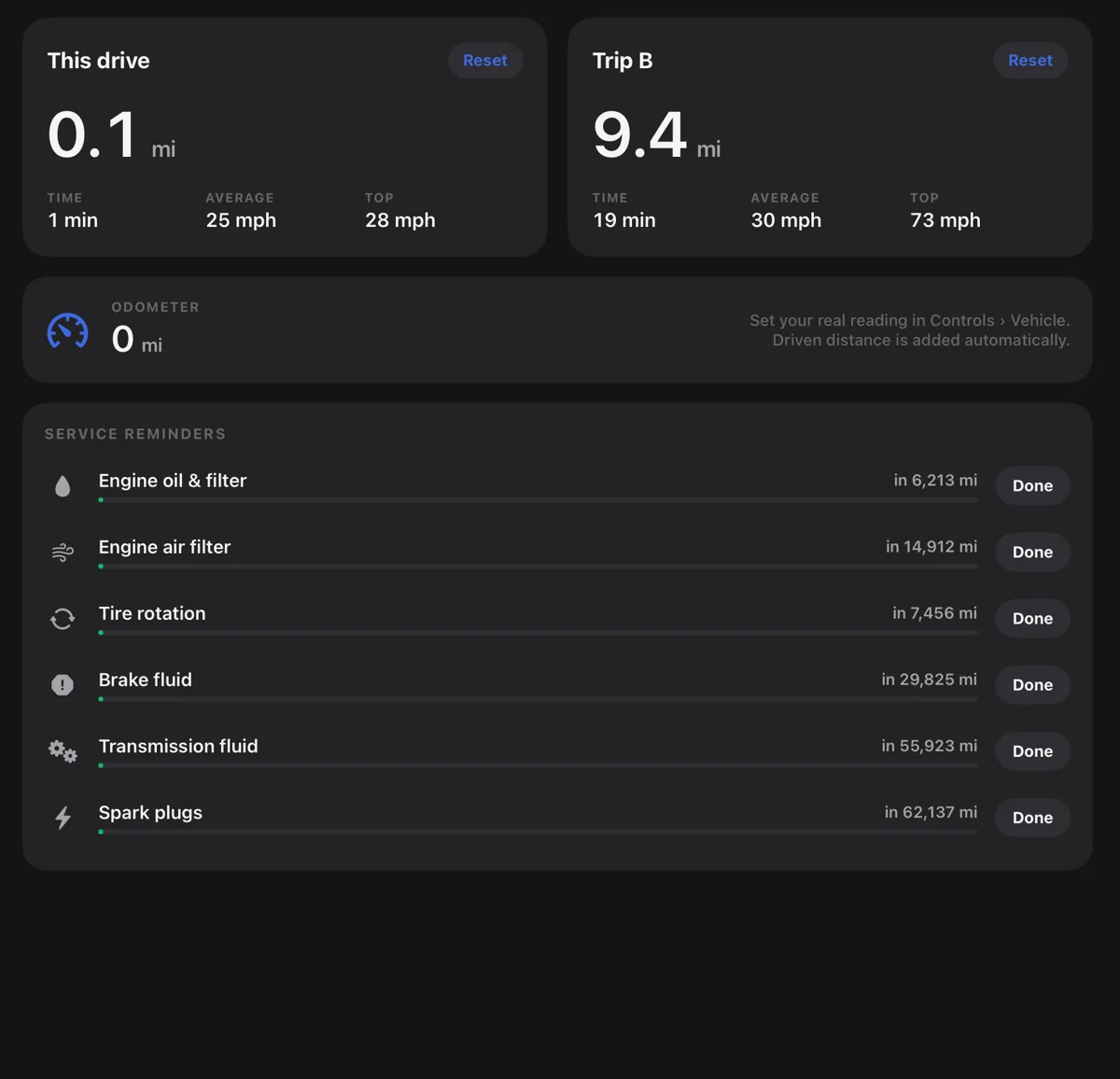
Two trip computers, your odometer and reminders for oil, tyres and brakes.
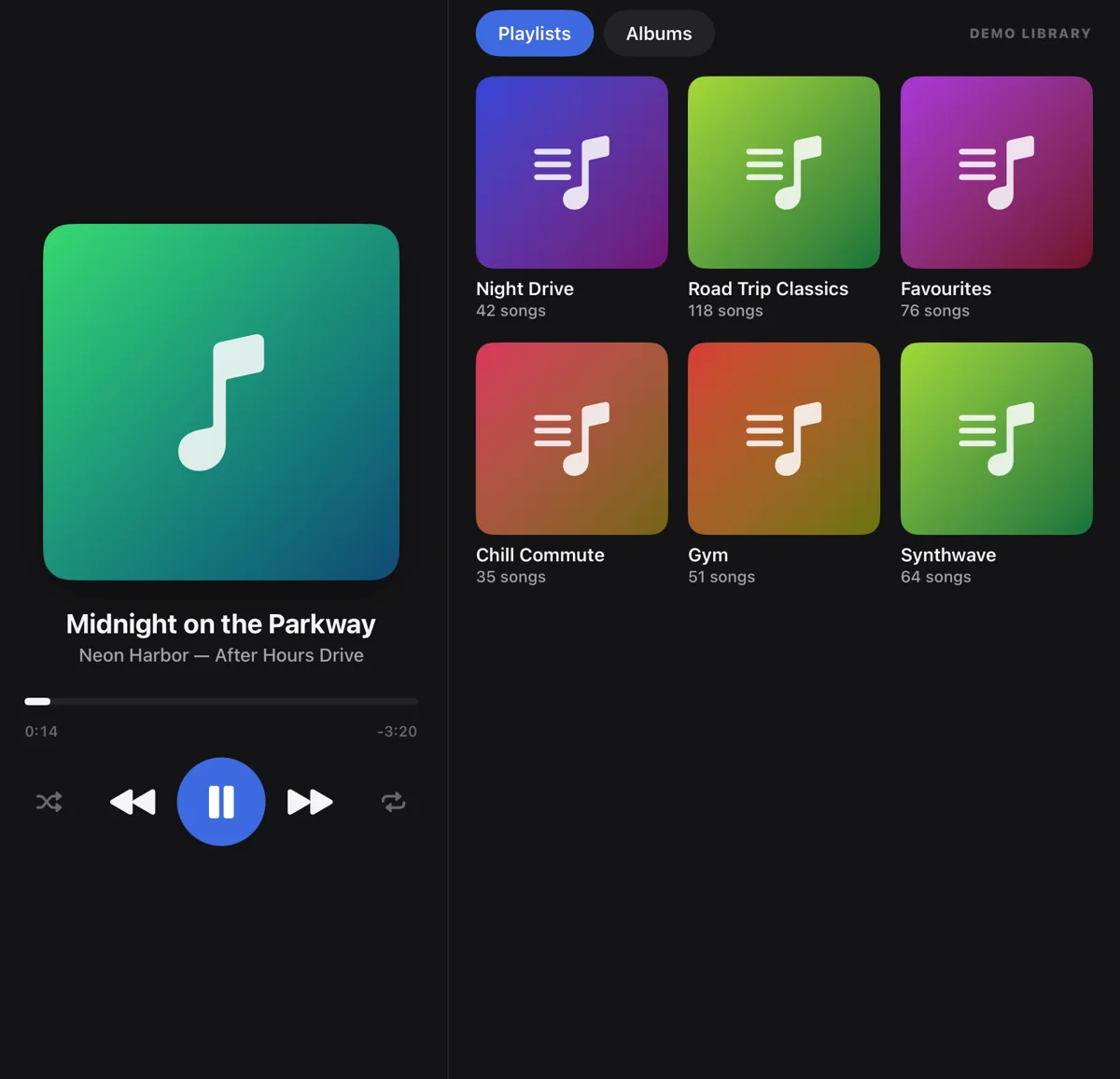
Apple Music at a glance. Video and games while parked, locked as soon as you move.
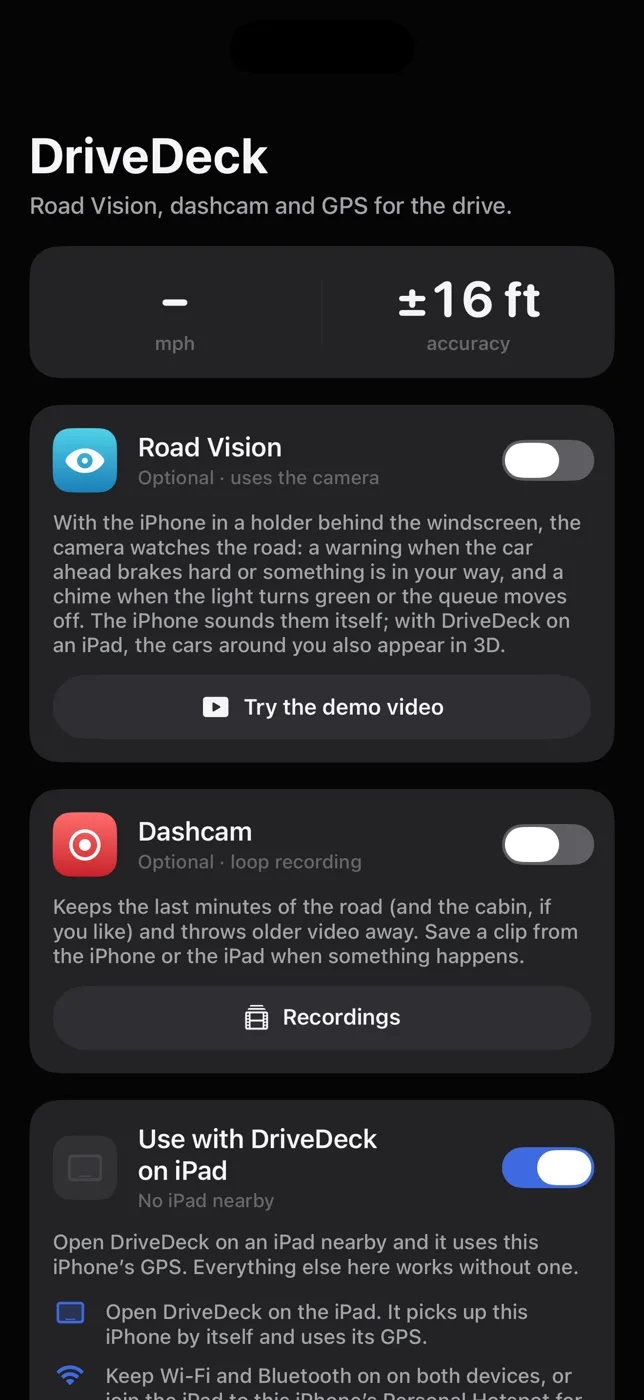
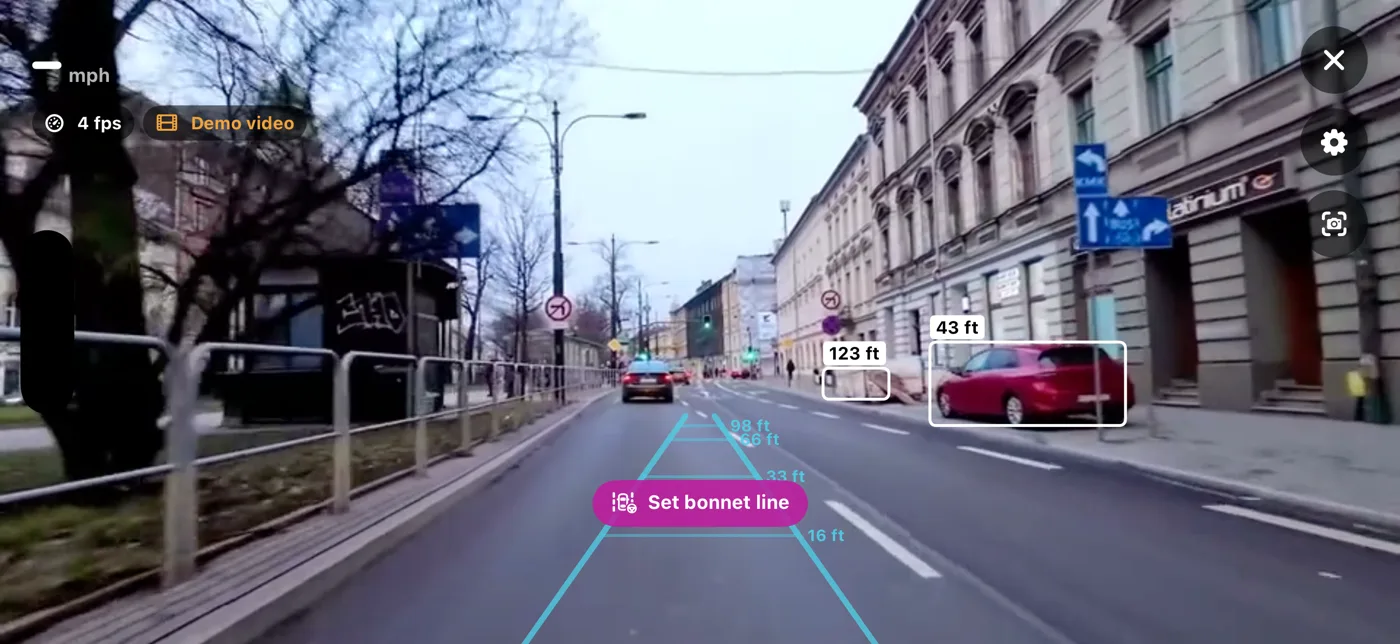
DriveDeck on iPhone works on its own: put it behind the windscreen and Road Vision watches the road ahead. Next to an iPad, it is also the iPad's GPS.
Road Vision is a driver aid, not a safety system. It can miss things and warn late, and it never brakes or steers.
Video, browsing and games pause and hide as soon as the car moves, and come back when it stops.
No sign-in, no ads, no analytics. Your trips, settings and recordings stay on your devices.
Camera, LiDAR and microphone are processed on the iPhone and never uploaded.
Works on its own with GPS. Add a Bluetooth LE OBD-II adapter for engine data.
Free for iPad and iPhone. Questions or ideas? We read every message.